- 硬件环境:Licheepi 4A 开发板(th1520)
- 软件环境:Linux revyos-lpi4a 5.10.113-th1520 #2024.07.20.13.28+d8f77de53 SMP PREEMPT Sat Jul 20 13:29:42 UTC riscv64 GNU/Linux
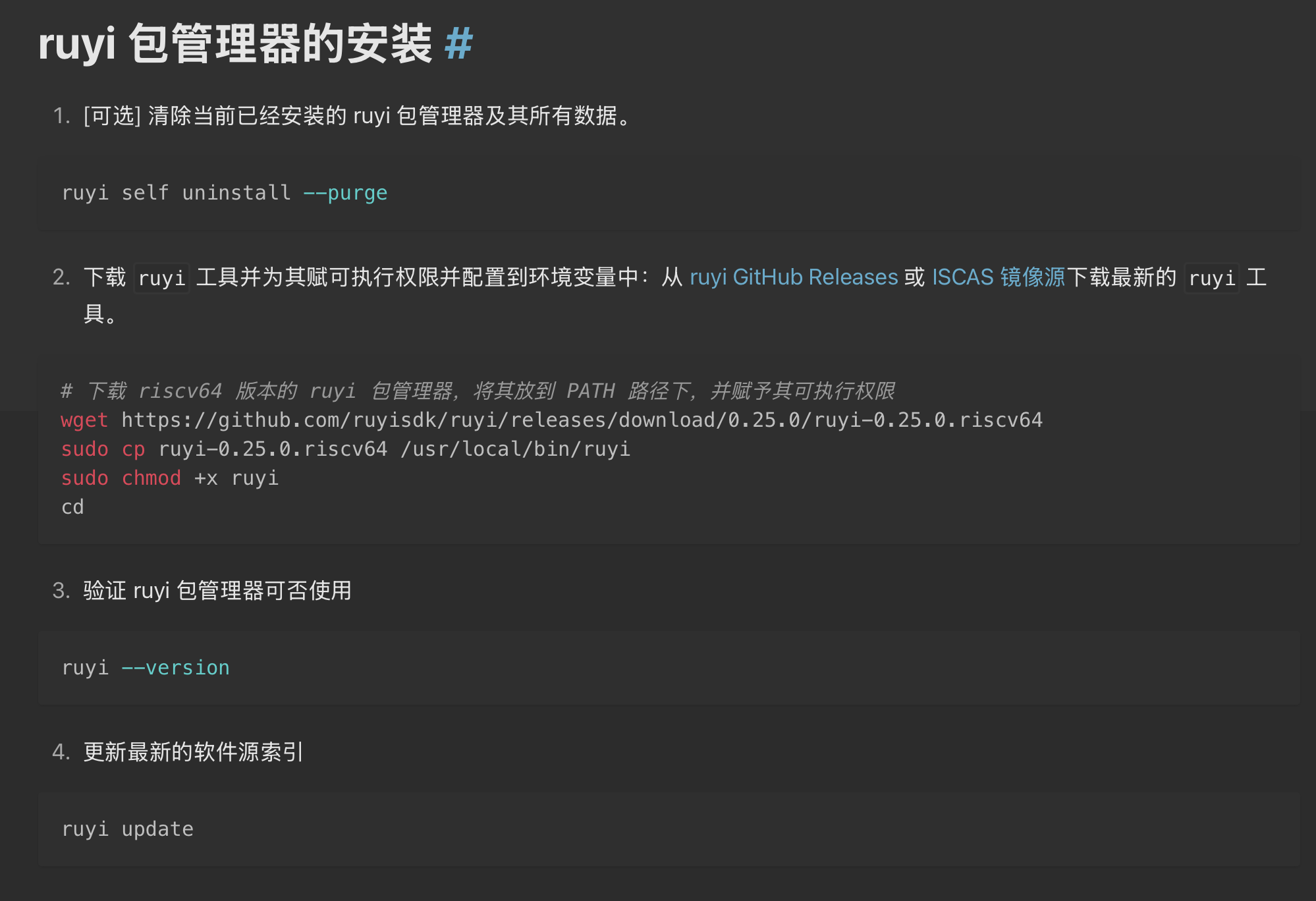
ruyi 包管理器的安装
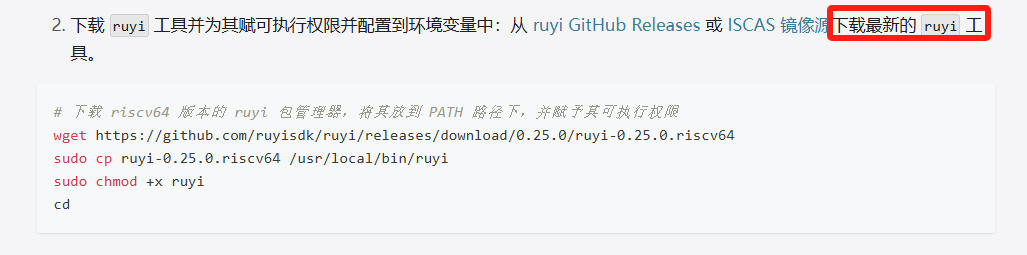
下载 ruyi 工具并为其赋可执行权限并配置到环境变量中:从 ruyi GitHub Releases 或 ISCAS 镜像源下载最新的 ruyi 工具。
# 下载 riscv64 版本的 ruyi 包管理器,将其放到 PATH 路径下,并赋予其可执行权限
wget https://github.com/ruyisdk/ruyi/releases/download/0.25.0/ruyi-0.25.0.riscv64
sudo chmod +x ruyi-0.25.0.riscv64
sudo cp ruyi-0.25.0.riscv64 /usr/local/bin/ruyi
验证 ruyi 包管理器可否使用
ruyi --version

sipeed@revyos-lpi4a:~$ ruyi --version
Enumerating objects: 2530, done.
Counting objects: 100% (406/406), done.
Compressing objects: 100% (148/148), done.
Total 2530 (delta 326), reused 263 (delta 258), pack-reused 2124 (from 2)
transferring objects ━━━━━━━━━━━━━━━━━━━━━━━━━━━━━━━━━━━━━━━━   0% 0:00:00
processing deltas    ━━━━━━━━━━━━━━━━━━━━━━━━━━━━━━━━━━━━━━━━ 100% 0:00:00
warn: this ruyi installation has telemetry mode set to on, and will upload non-tracking usage information to RuyiSDK-managed servers every Thursday
info: the next upload will happen today if not already
info: in order to hide this banner:
info: - opt out with ruyi telemetry optout
info: - or give consent with ruyi telemetry consent
Ruyi 0.25.0

Running on linux/riscv64.

Copyright (C) 2023 Institute of Software, Chinese Academy of Sciences (ISCAS).
All rights reserved.
License: Apache-2.0 <https://www.apache.org/licenses/LICENSE-2.0>

This distribution of ruyi contains code licensed under the Mozilla Public
License 2.0 (https://mozilla.org/MPL/2.0/). You can get the respective
project's sources from the project's official website:

* certifi: https://github.com/certifi/python-certifi
更新最新的软件源索引
ruyi update
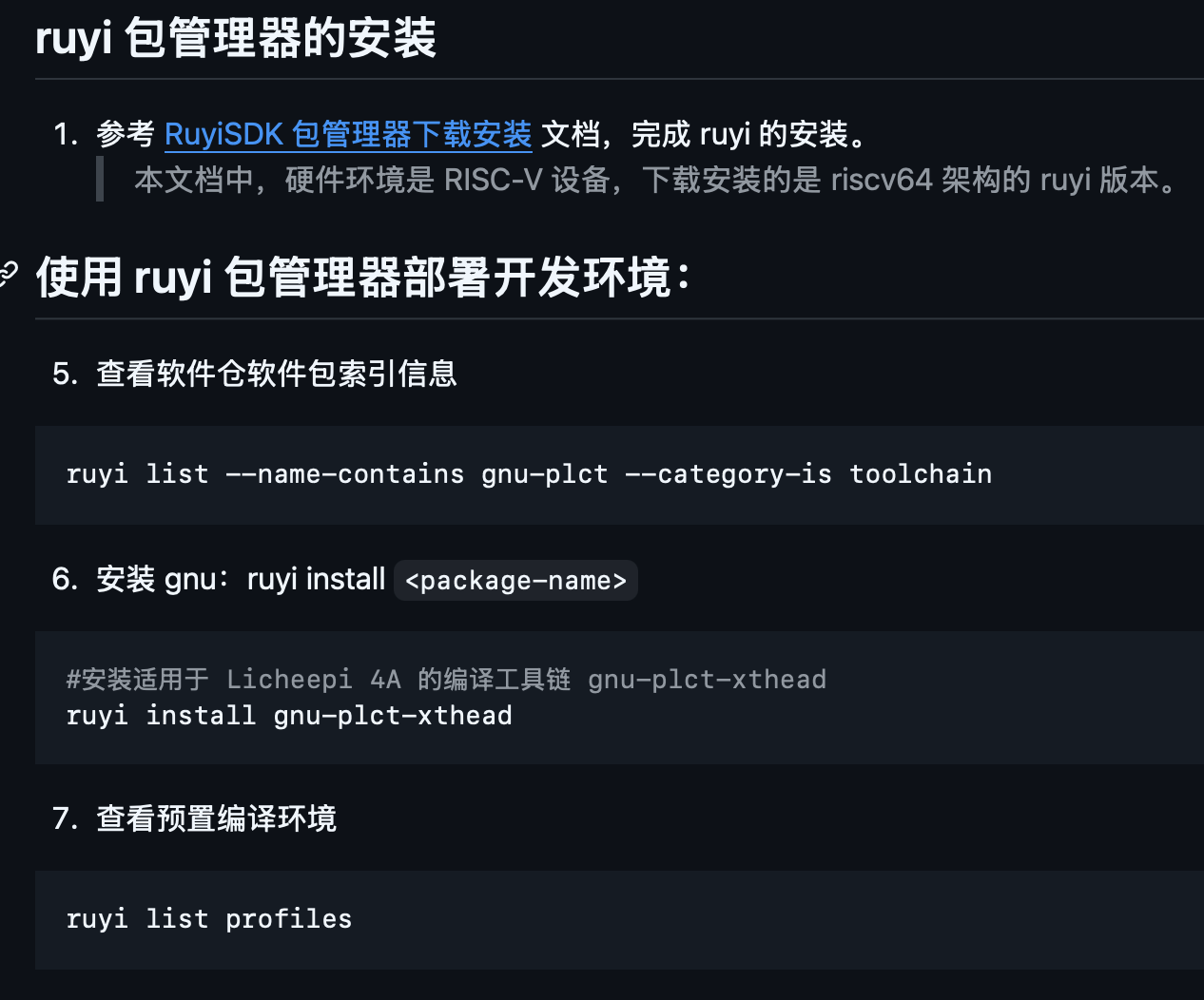
安装 gnu:ruyi install <package-name>
#安装适用于 Licheepi 4A 的编译工具链 gnu-plct-xthead
ruyi install gnu-plct-xthead
查看预置编译环境
ruyi list profiles
# 创建虚拟环境 venv-sipeed
ruyi venv -t gnu-plct-xthead sipeed-lpi4a venv-sipeed

ls venv-sipeed/bin/

. venv-sipeed/bin/ruyi-activate

riscv64-plctxthead-linux-gnu-gcc --version

«Ruyi venv-sipeed» sipeed@revyos-lpi4a:~$ riscv64-plctxthead-linux-gnu-gcc --version
riscv64-plctxthead-linux-gnu-gcc (RuyiSDK 20250526 Xuantie-Sources Xuantie-binutils-8ee62aac8606 Xuantie-gcc-c2e0bcc86d1f Xuantie-glibc-29dd660835c5) 14.1.1 20240710
Copyright (C) 2024 Free Software Foundation, Inc.
This is free software; see the source for copying conditions.  There is NO
warranty; not even for MERCHANTABILITY or FITNESS FOR A PARTICULAR PURPOSE.
下载解压 coremark 源码作为编译对象
git clone https://github.com/eembc/coremark.git && cd coremark
ruyi extract coremark
ls -al
交叉编译 coremark
设置 coremark 源码中的编译配置信息(参考 coremark 仓库自述文档)
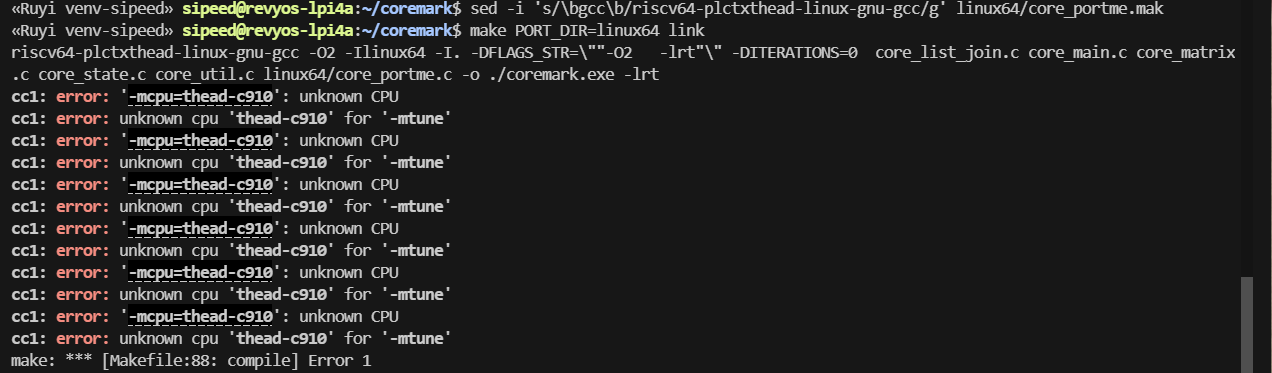
sed -i 's/\bgcc\b/riscv64-plctxthead-linux-gnu-gcc/g' linux64/core_portme.mak
执行交叉编译和构建,得到可执行程序 coremark.exe
make PORT_DIR=linux64 link